 Abacalist

 Português
How to use it
From the invite to everyone's list.
Invite someone
In the Group tab, tap Invite someone and then Send invite. The other person gets a link and a 6-letter code that's valid for 7 days.
They join
They just tap the link. Or, in the app, they go to the Group tab, tap Join with code and type the letters.
Share your lists
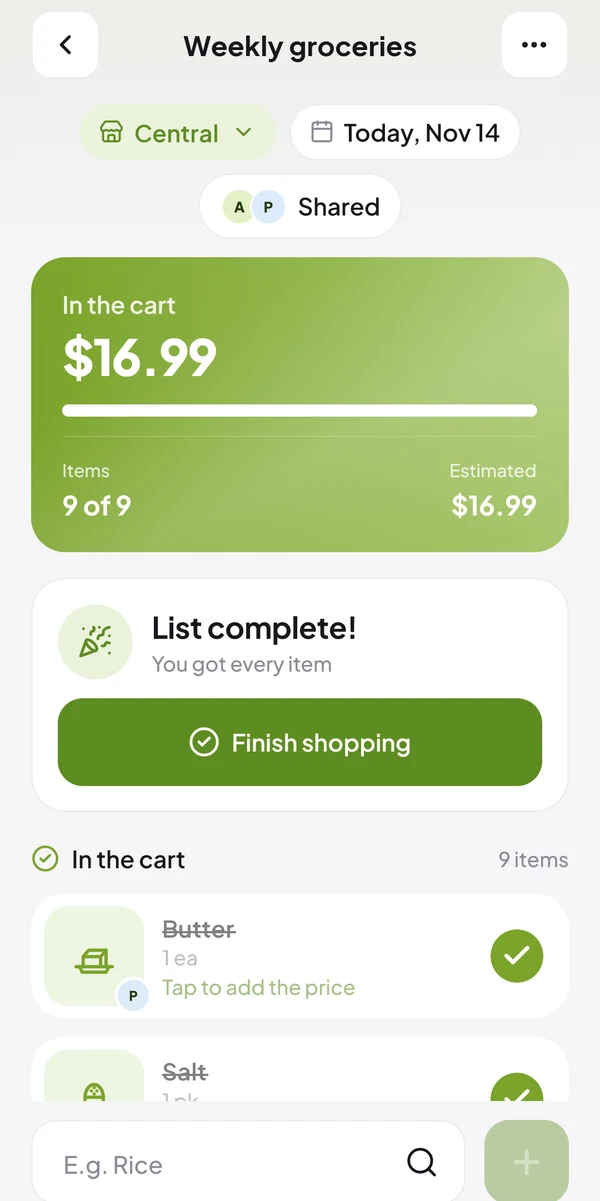
When you create a list, leave Share with the group on. For a list you already have, use its three dots.
Build it together
Everyone adds and checks off items on the same list. Changes show up instantly on everyone's phone.
See who added what
Each item shows the photo or initial of whoever added it, and the app lets you know when someone adds new items.
Manage the group
Under Members, whoever created the group can remove someone. To make a list yours alone again, tap Stop sharing in its three dots.
Common questions
Quick answers to what people ask most.
Does everyone need Premium?
No. Only the person who creates the group. Whoever gets the invite joins for free.
The invite code expired. Now what?
It's valid for 7 days. Ask someone in the group for a new invite.
What if the group creator's Premium ends?
Nothing is deleted. The group's lists become view-only until Premium is renewed.
Read next
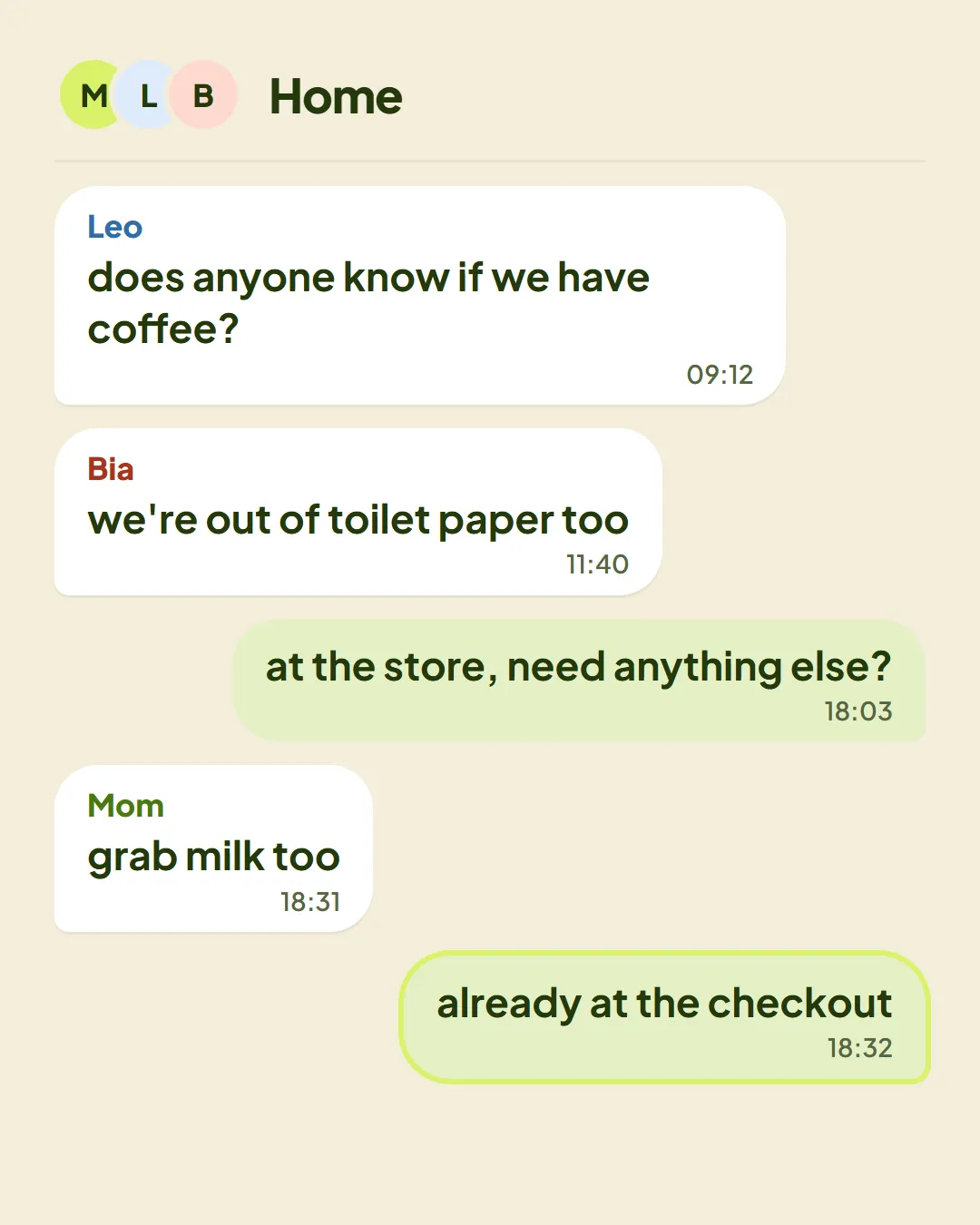
Five simple agreements so the whole household uses one list and stops buying doubles.
Article · 2 min readRead →